
Circuit A3
Access control that makes keys unnecessary
Give access with a badge, a code or your smartphone. You decide who can open which door, and when. Ideal for businesses, apartment buildings, practices and homes with a gate.
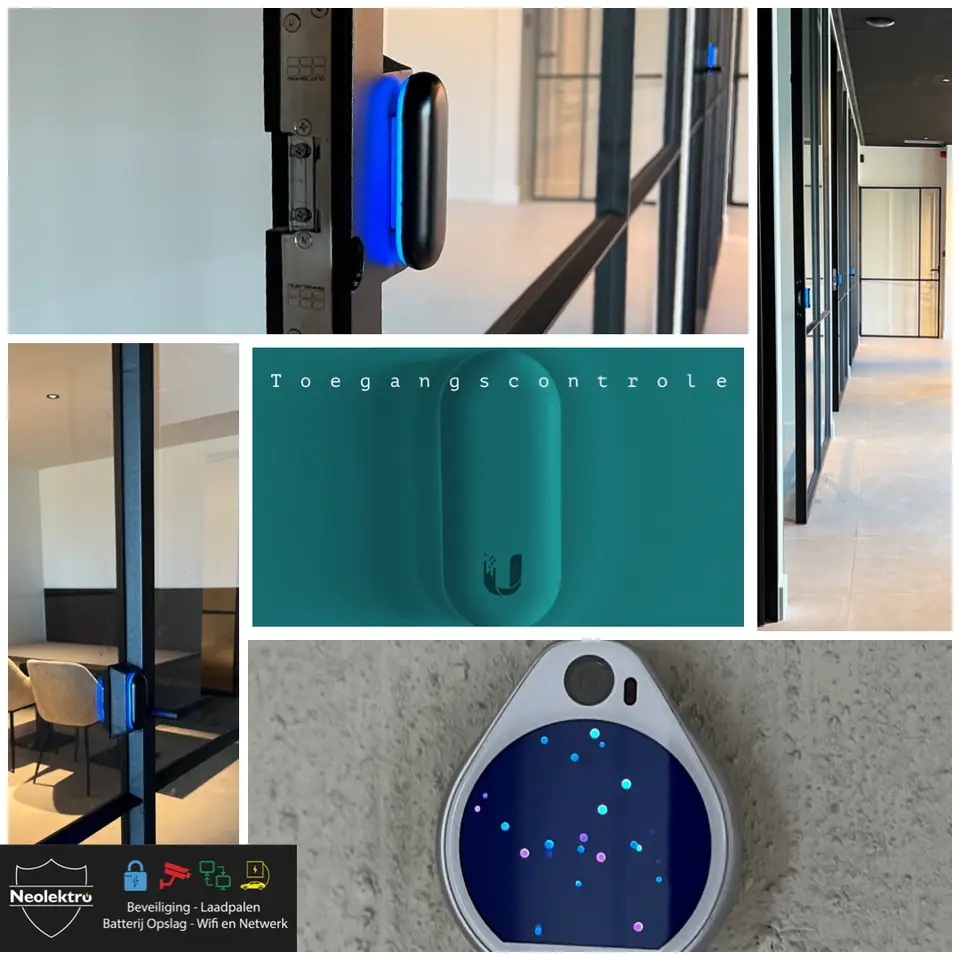
No more key management
Keys get lost, get copied and are hard to get back. With access control you manage access digitally. If an employee leaves, you deactivate their badge with one click. If a technician or cleaner comes, you give them access on set days and times.
You can also see who came in and when. Linked to CCTV, you immediately see the matching footage for every door opening.
Options
- Badge and key fob
- Fast and familiar. A lost badge can be deactivated immediately.
- PIN code
- Handy for temporary access, such as suppliers or guests.
- Smartphone
- Open the door with your phone, even remotely for a visitor who rings.
- Video intercom
- See and speak to whoever rings and open the door or gate from your smartphone.
- Schedules
- Doors that unlock automatically during opening hours and lock again afterwards.
- Log
- An overview of who opened which door, and when.
UniFi Access, together with your cameras
For access control we often use UniFi Access. It runs on the same platform as UniFi cameras and networks, so you manage users, doors and footage from one place.
We connect the readers to electric locks, door openers or gate controls and power them through the network cable. That keeps the installation simple and reliable.
Who is it for?
- Offices and SMEs
- Access per employee, per door and per time slot.
- Apartment buildings
- Front door, garage door and bike store with one badge or your smartphone.
- Practices and shops
- A separate entrance for staff and an intercom for deliveries.
- Homes with a gate
- Open the gate for visitors, even when you're not at home.
- Holiday homes
- A code per guest, valid only during their stay.
Frequently asked questions
Does the door still work if the power fails?
We decide that per door. Emergency exit doors must release during a power cut. Other doors stay locked. With a backup power supply, the system keeps working for some time.
Can I keep my existing door?
Usually, yes. We fit an electric strike, a motorised lock or a door opener in your existing door or gate.
How many users can I add?
More than enough for a family, an SME or an apartment building. You add and remove users yourself in the app.
Can I give access to someone without a badge?
Yes, with a temporary code or by opening the door remotely via the intercom.
Want smarter access?
Tell us which doors and gates are involved and who needs access.